

 English
 中文简体
中文简体 русский
 Español


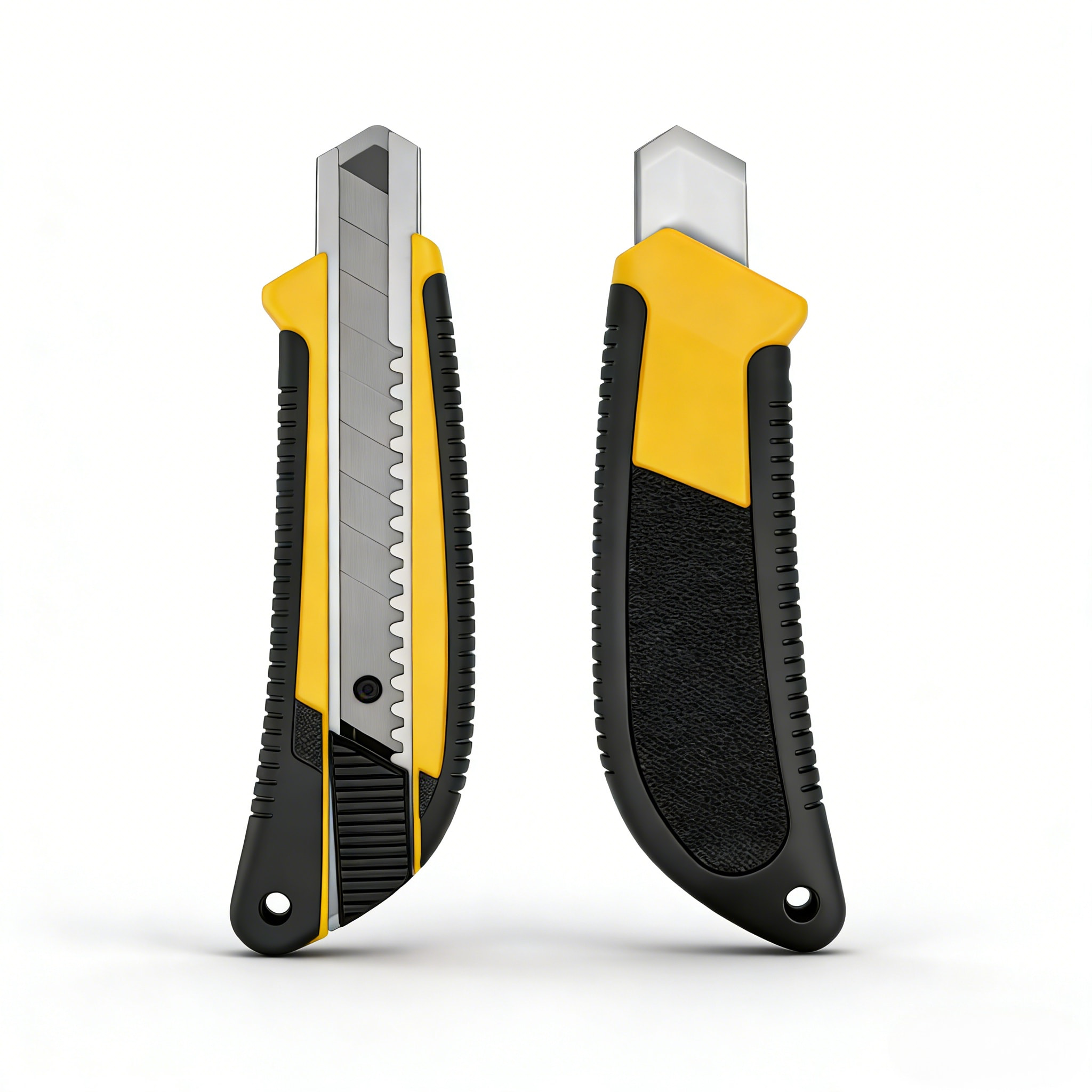
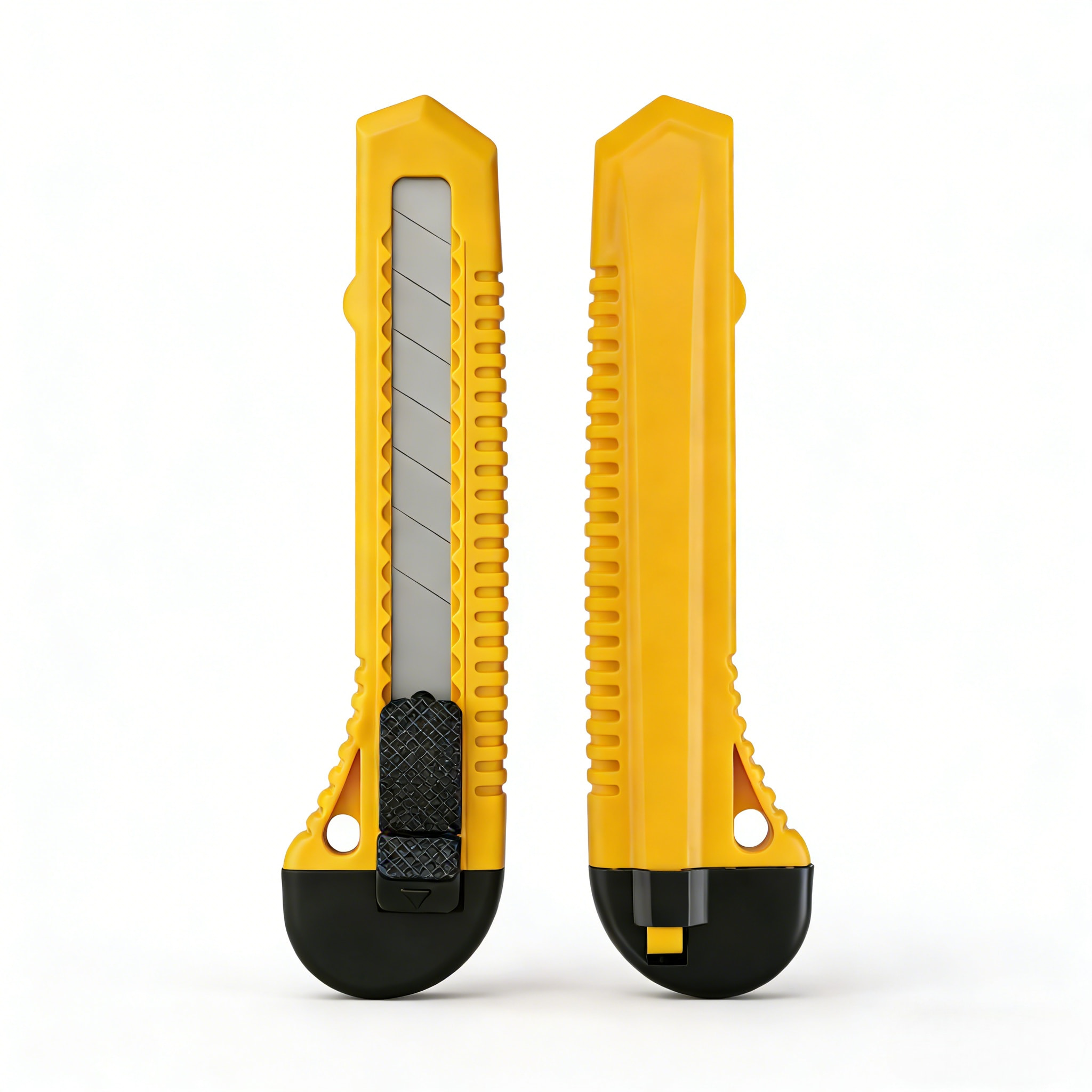
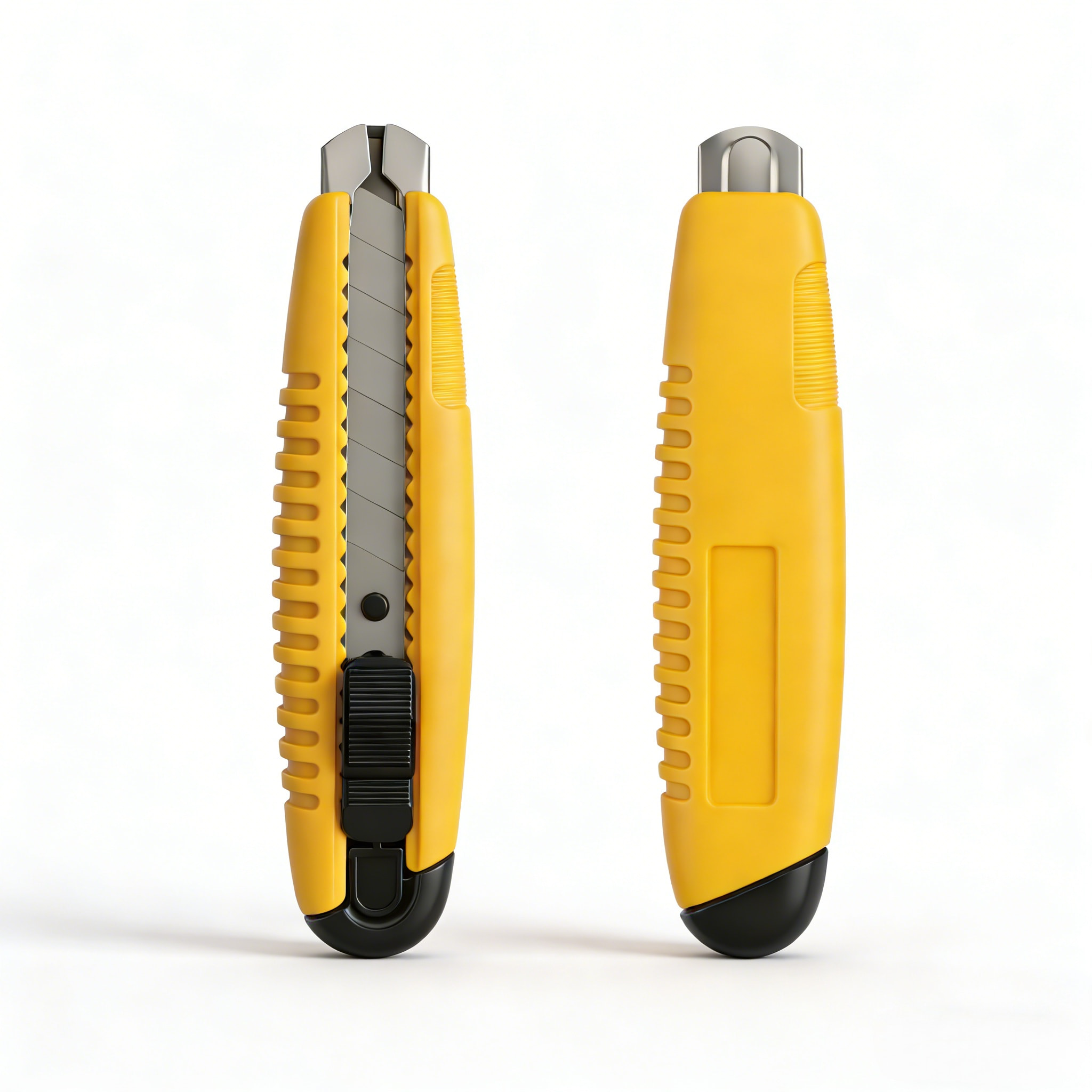
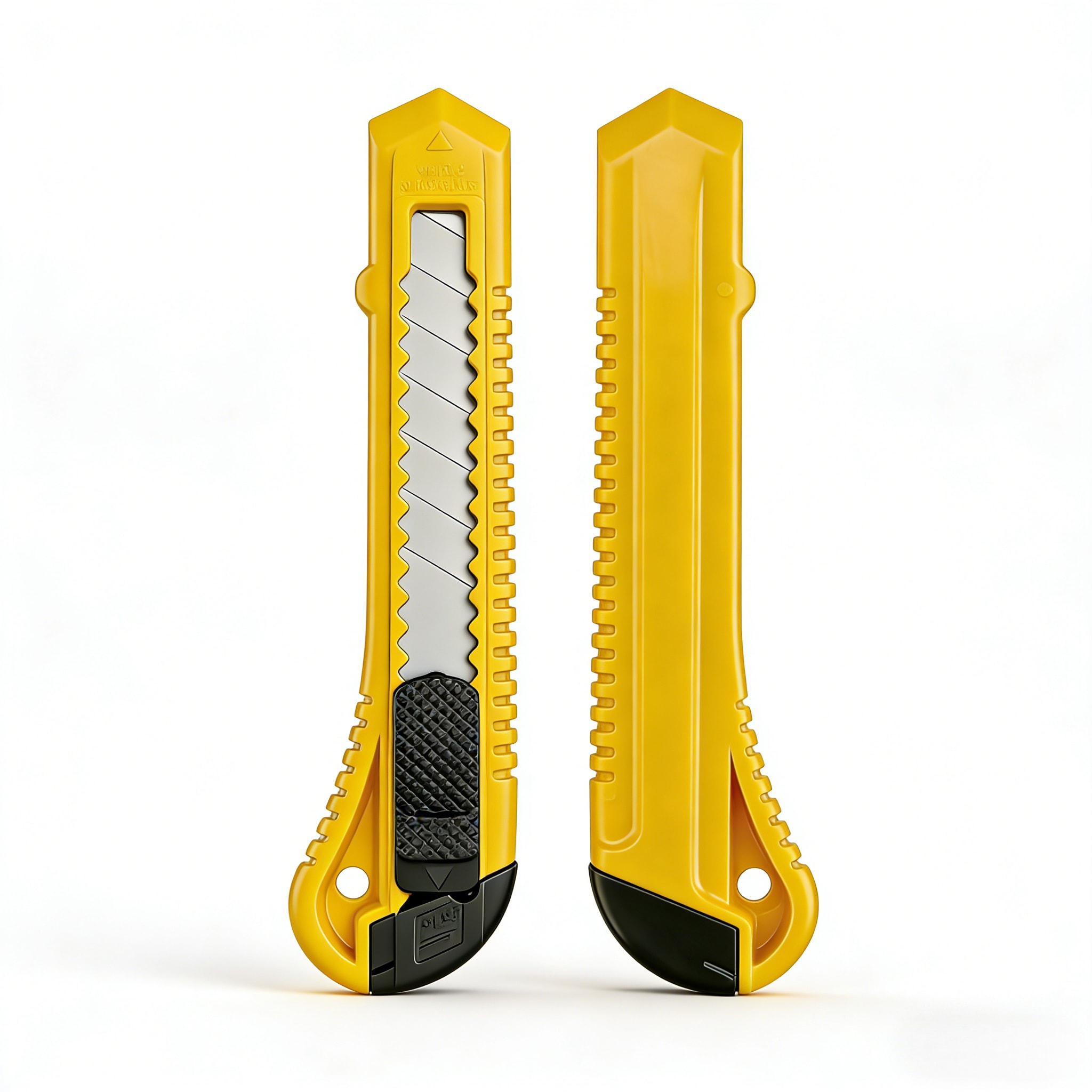
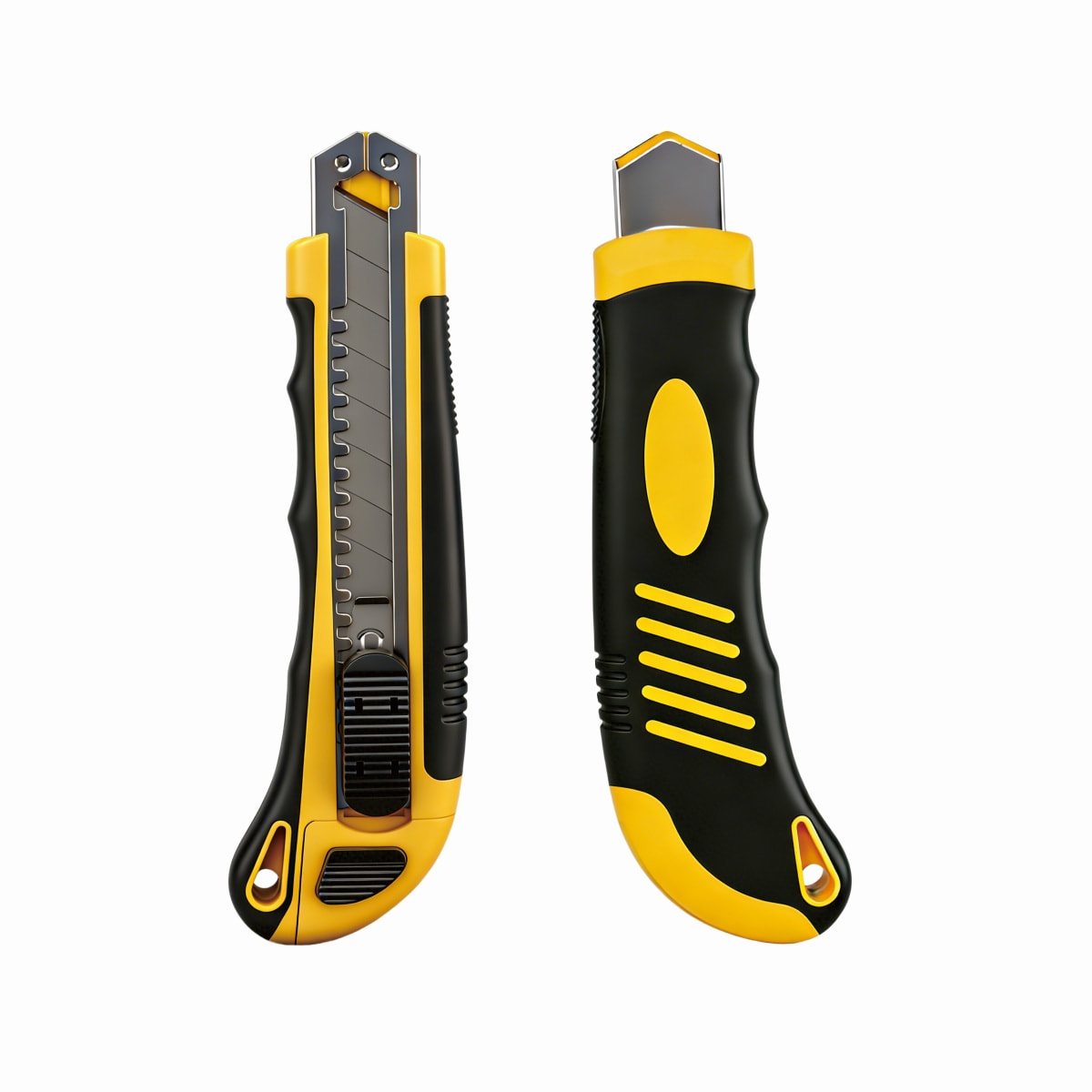
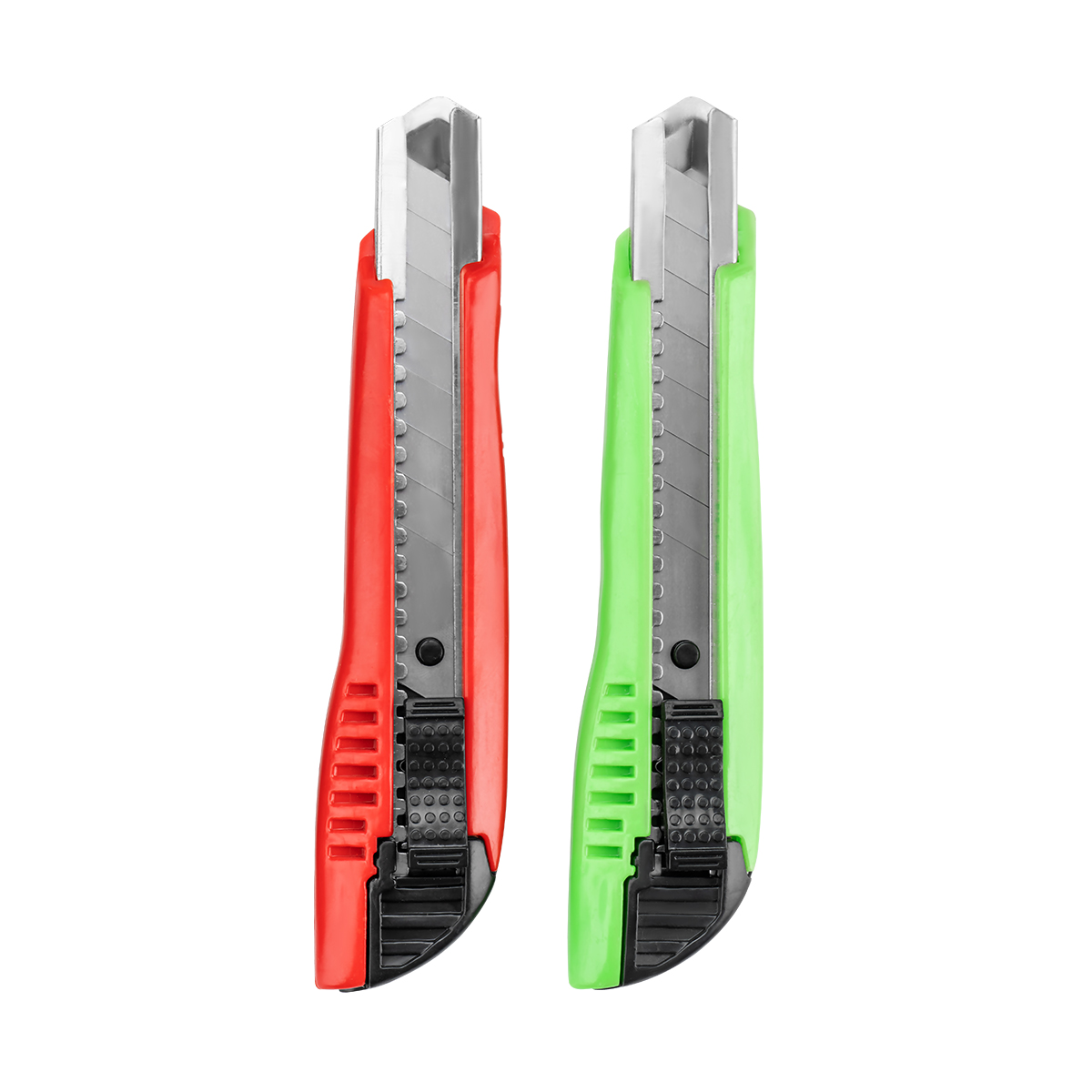

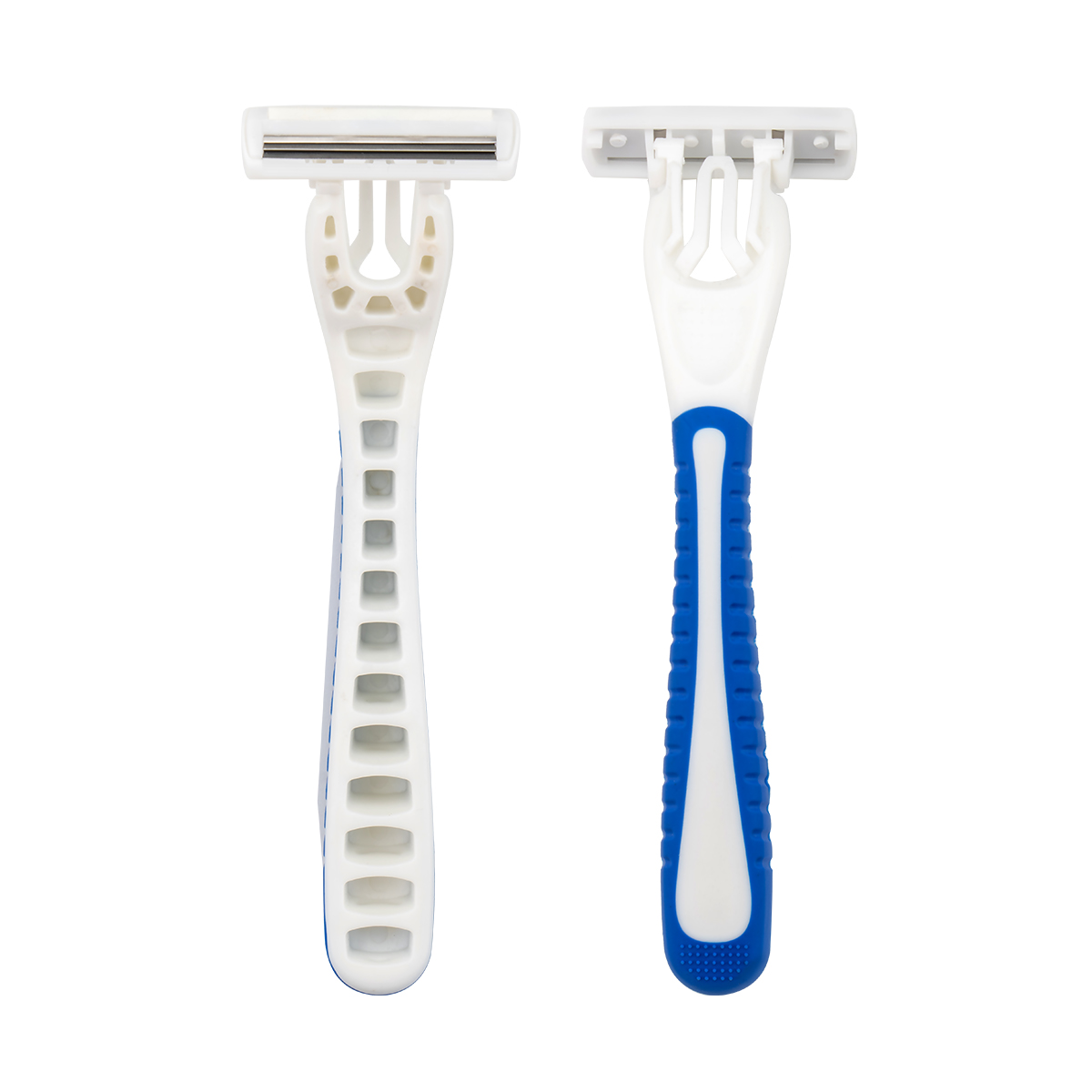
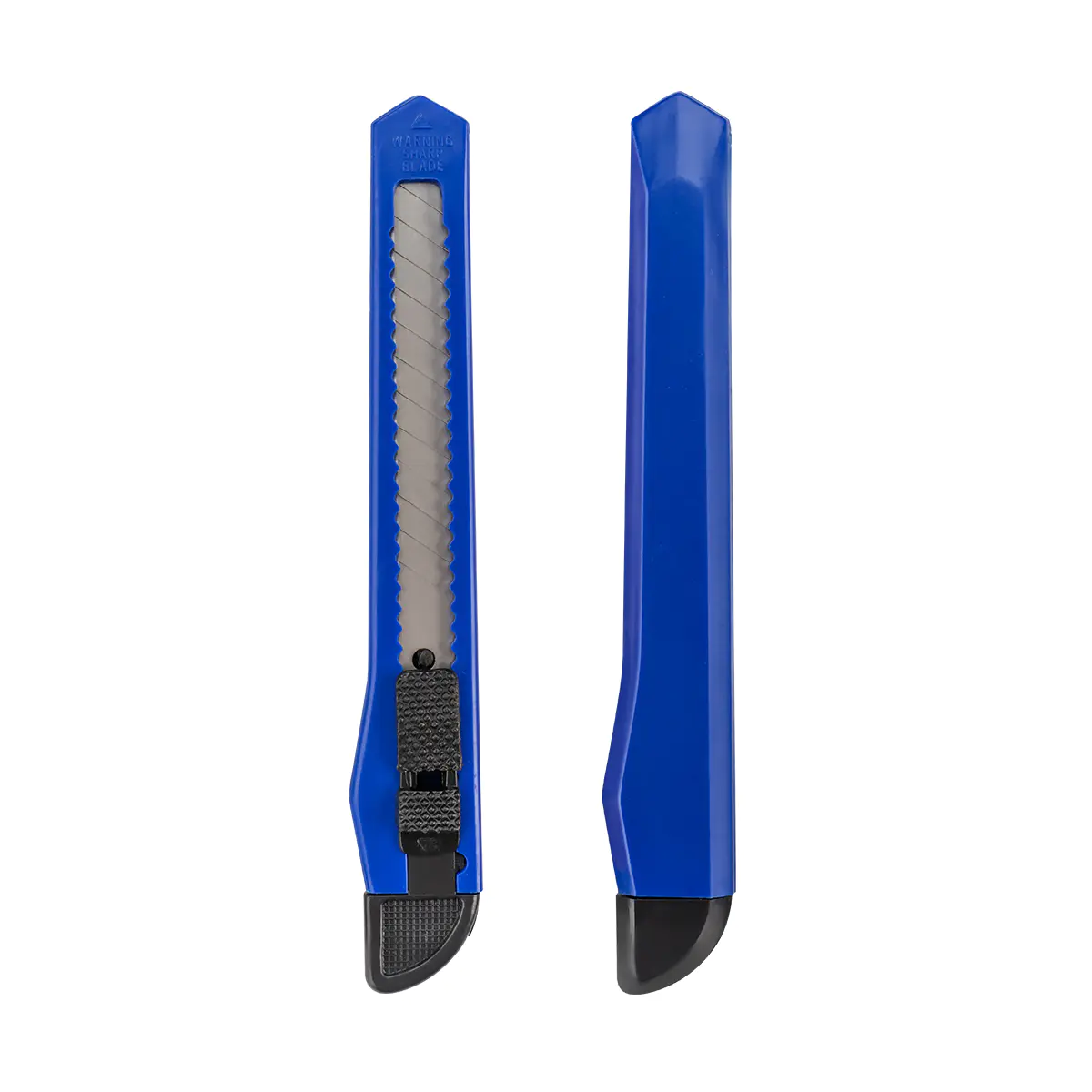
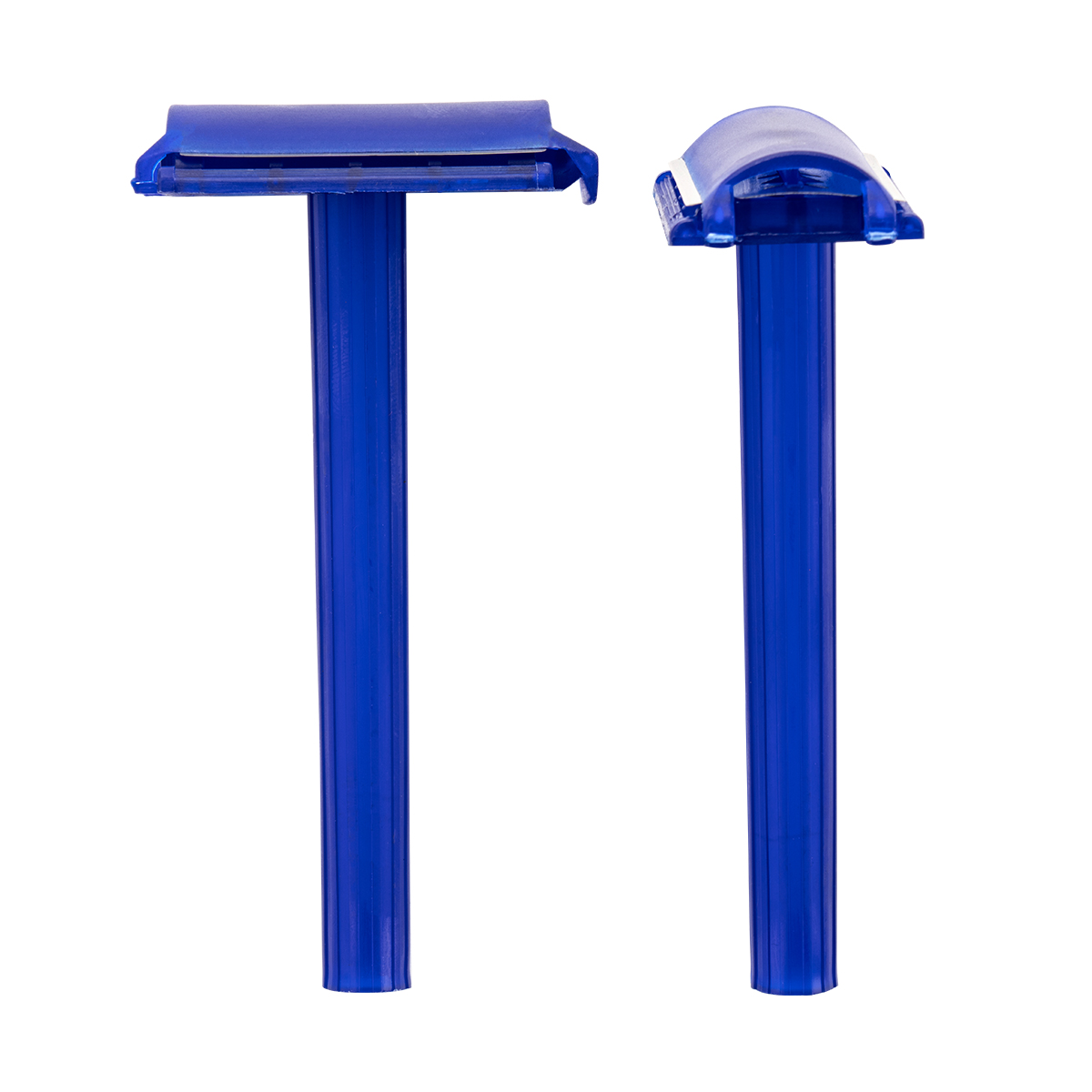
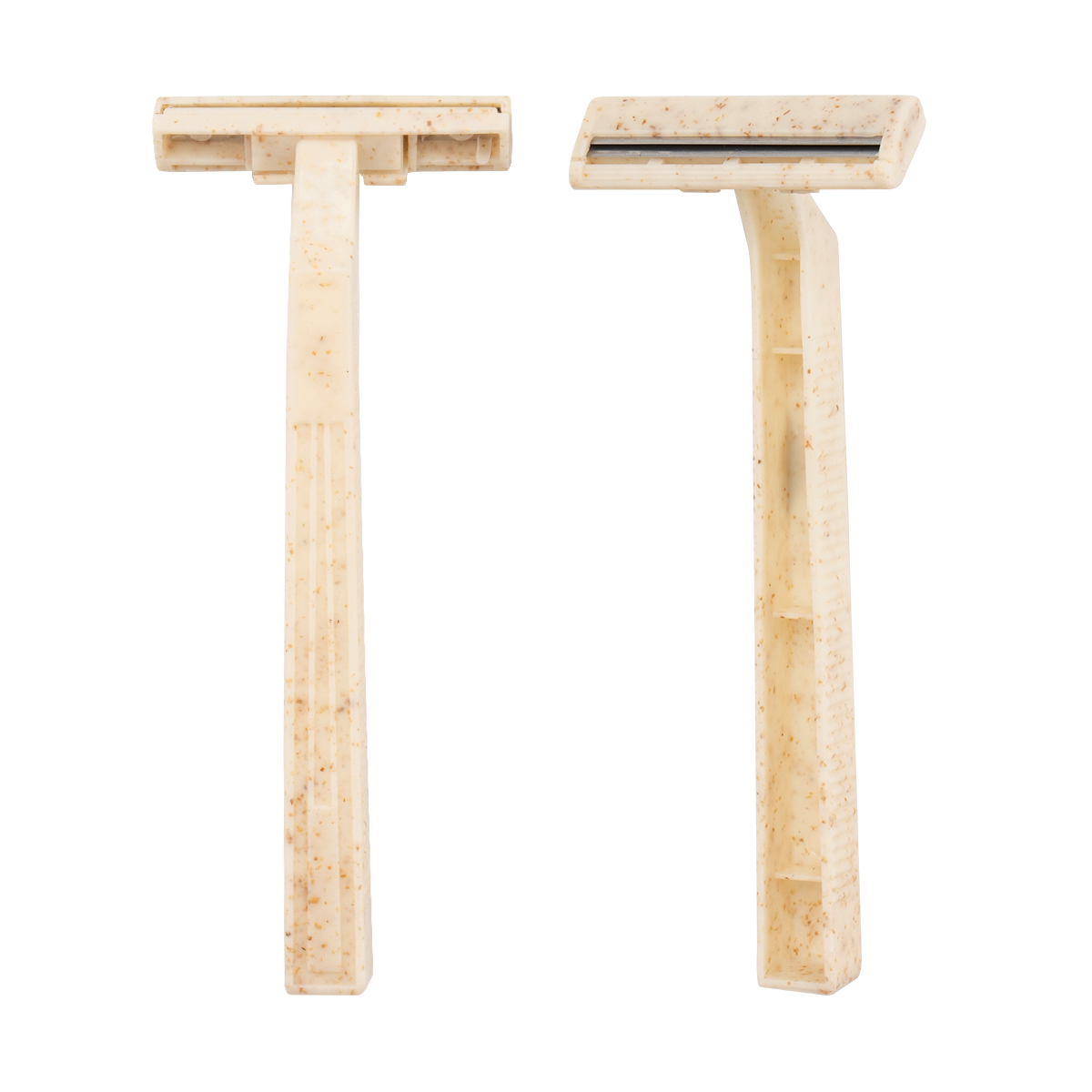

We are an industry and trade enterprise
specializing in the production of disposable razors and utility knives for more than 30 years.
What Are Multifunctional Utility Knives and How Do You Choose the Right 18mm Hardware Utility Knife
Content
- 1 Why Multifunctional Utility Knives Suit So Many Cutting Jobs
- 2 CX891 18mm Multifunctional Utility Knives at a Glance
- 3 The 18mm Blade: Why Width Changes Cutting Behavior
- 4 High Carbon Steel: What It Means at the Cutting Edge
- 5 Structure Walkthrough: Four Parts That Define the CX891
- 6 Handle Ergonomics for Long Cutting Sessions
- 7 Blade Extension and Cutting Stability
- 8 Material-by-Material Cutting Guide
- 9 Step-by-Step Cutting Technique
- 10 Replacing and Snapping Blade Segments
- 11 Four Handle Colors for an Organized Workspace
- 12 Custom Logo Design Area
- 13 Hang-Card Blister Packaging
- 14 Comparing Types of Hardware Utility Knife
- 15 Troubleshooting Common Cutting Problems
- 16 Daily Care and Storage
- 17 Choosing the Right Multifunctional Utility Knives: A Checklist
- 18 Frequently Asked Questions About the CX891 Hardware Utility Knife
- 18.1 What blade size does the CX891 use?
- 18.2 What are the dimensions of the knife?
- 18.3 What does the Auto Lock do?
- 18.4 Why does the knife have a metal guide rail?
- 18.5 Which materials can these Multifunctional Utility Knives cut?
- 18.6 How do I refresh a dull blade?
- 18.7 Can a logo be added to the handle?
- 18.8 What colors are available?
- 18.9 Can the knife be hung for storage?
Cutting is one of the most repeated actions in any workshop, craft room, office or job site, and the tool in your hand decides how clean, how fast and how safe that action feels. Multifunctional Utility Knives have become the default answer for everything from opening cartons to trimming vinyl flooring, and a well-built Hardware Utility Knife can stay useful for years when its blade, guide rail, lock and handle are designed to work together. This guide explains the CX891 18mm Multifunctional Utility Knives from the inside out: how the high carbon steel blade behaves, why the metal guide rail matters, how the Auto Lock should be used, which materials suit which blade extension, and how to keep the tool sharp, stable and comfortable over a long working day.
18mmWide blade for stable, straight cuts
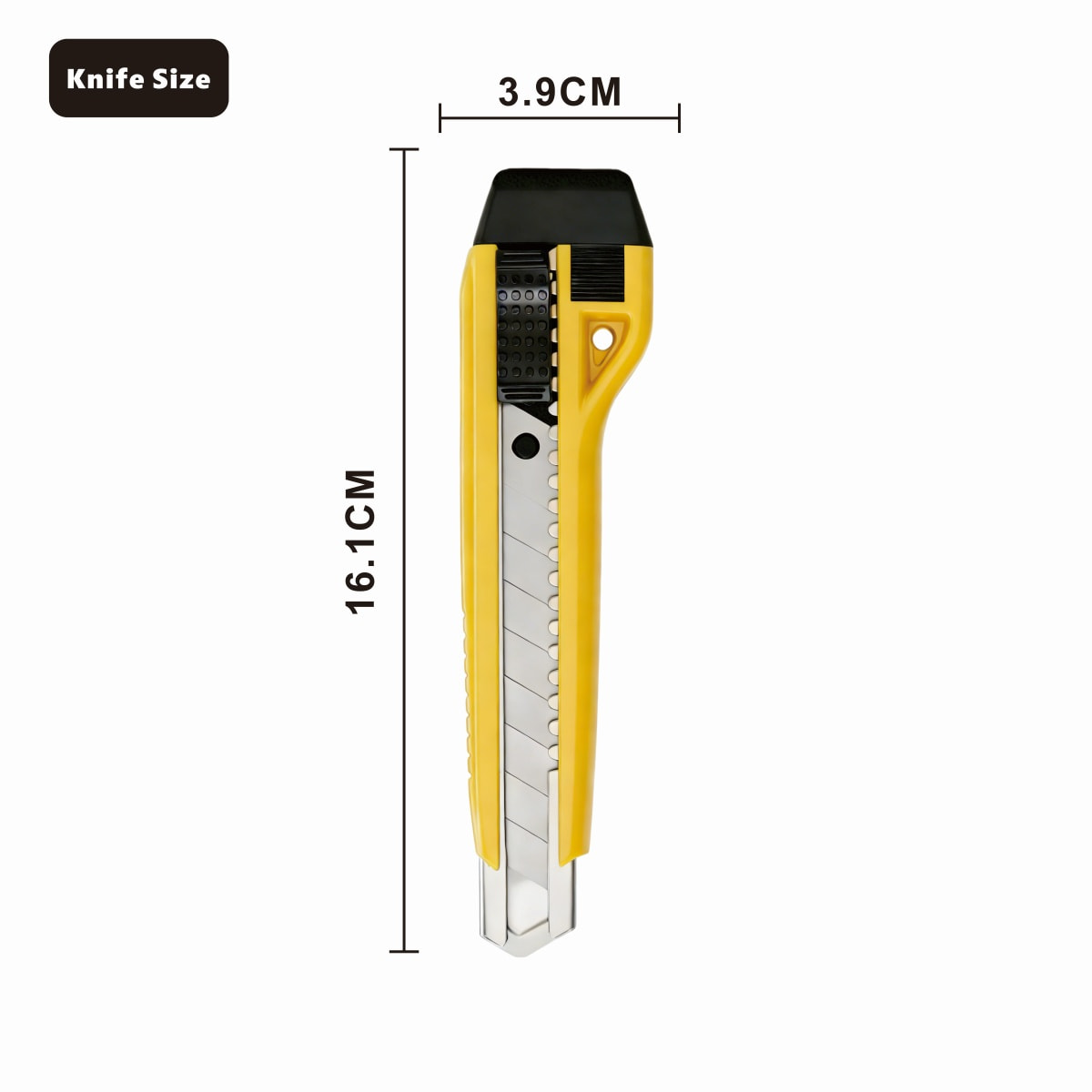
16.1cmOverall knife length
3.9cmOverall knife width
4Handle colors: yellow, blue, green, black
Why Multifunctional Utility Knives Suit So Many Cutting Jobs
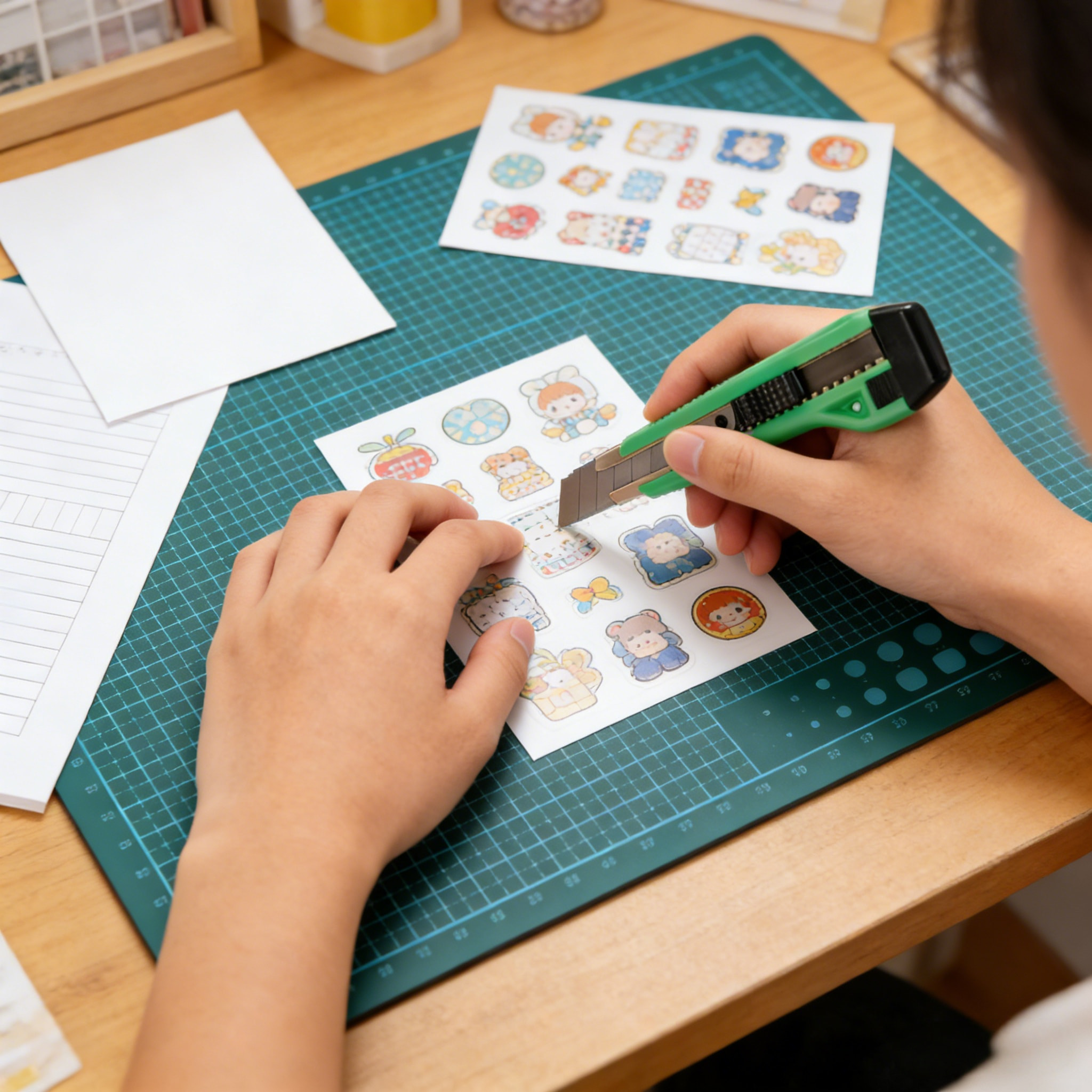
A single Hardware Utility Knife is often asked to do very different work in the same day. In the morning it slices packing tape and corrugated board, at noon it trims a roll of wallpaper, and in the afternoon it cuts a sheet of stickers on a self-healing mat. A tool that handles all of these tasks needs a blade that is rigid enough for thick material yet sharp enough for thin paper, a lock that holds the blade without creeping, and a body that stays comfortable when the same motion is repeated hundreds of times.
That is the design brief behind the CX891. It uses an 18mm wide high carbon steel blade, a metal guide rail at the head, an Auto Lock slider, and a curved handle with a textured grip and a black end cap. Each part solves a specific cutting problem, and the sections below explain what that problem is and how to get the best result from the solution.
CX891 18mm Multifunctional Utility Knives at a Glance
The table lists the core facts of the CX891 Hardware Utility Knife. The dimensions come from the product size drawing, and the structural features correspond to the labeled parts on the structure diagram.
| Item | Detail |
|---|---|
| Model | CX891 |
| Product type | Multifunctional Utility Knives, Hardware Utility Knife |
| Blade width | 18mm |
| Blade material | High carbon steel |
| Blade design | Snap-off segments with diagonal break lines |
| Knife length | 16.1cm |
| Knife width | 3.9cm |
| Blade guide | Metal guide rail |
| Blade lock | Auto Lock slider with textured thumb pad |
| Handle | Curved, comfortable grip with side texture and hanging hole |
| Handle colors | Yellow, blue, green, black |
| Marking area | Flat panel on the handle side for custom logo design |
| Packaging | Hang-card blister pack marked 18mm Blade |
The 18mm Blade: Why Width Changes Cutting Behavior
Blade width is the first specification to check on any Multifunctional Utility Knives. A wider blade has more steel behind the cutting edge, which resists twisting when the knife meets a dense or layered material. A narrow blade is excellent for detailed work but can flex sideways in a thick carton wall. The 18mm size is the common middle-to-large format: wide enough for confident straight cuts, still small enough to control with one hand.
| Blade width | Best suited for | Strength | Limitation |
|---|---|---|---|
| 9mm | Fine paper work, labels, detailed trimming | Precise, light, easy to steer | Flexes in thick or layered material |
| 18mm | Cartons, wallpaper, flooring, sheet material, stickers | Rigid and stable, long straight cuts | Less nimble on very tight curves |
| 25mm | Heavy sheet material and long production cuts | Maximum rigidity | Larger body, more hand effort for fine work |
The 18mm blade on the CX891 sits in the middle of this range, which is why Multifunctional Utility Knives in this size are chosen for general-purpose drawers, workshop benches and craft tables alike.
High Carbon Steel: What It Means at the Cutting Edge
High carbon steel is widely used for utility blades because it can be hardened to hold a fine edge. In daily use that translates into three practical benefits.
Edge Retention
A harder edge stays sharp through more meters of paper, tape and board before it starts to drag. Fewer snap-offs are needed during a long task.
Clean Cut Quality
A sharp edge shears fibers instead of tearing them. Paper edges look crisp, tape is cut without stringy ends, and vinyl does not lift or fray.
Fresh Edge on Demand
The segmented blade lets you break off a dull tip and expose a new edge in seconds, so the Hardware Utility Knife stays ready without a tool change.
Carbon steel also benefits from simple care. Wipe the blade with a dry cloth after cutting adhesive materials, and store the knife in a dry place with the blade fully retracted. Residue from tape and sticker backing can build up on the steel and increase drag, so a quick wipe keeps the cut feeling smooth.
Structure Walkthrough: Four Parts That Define the CX891
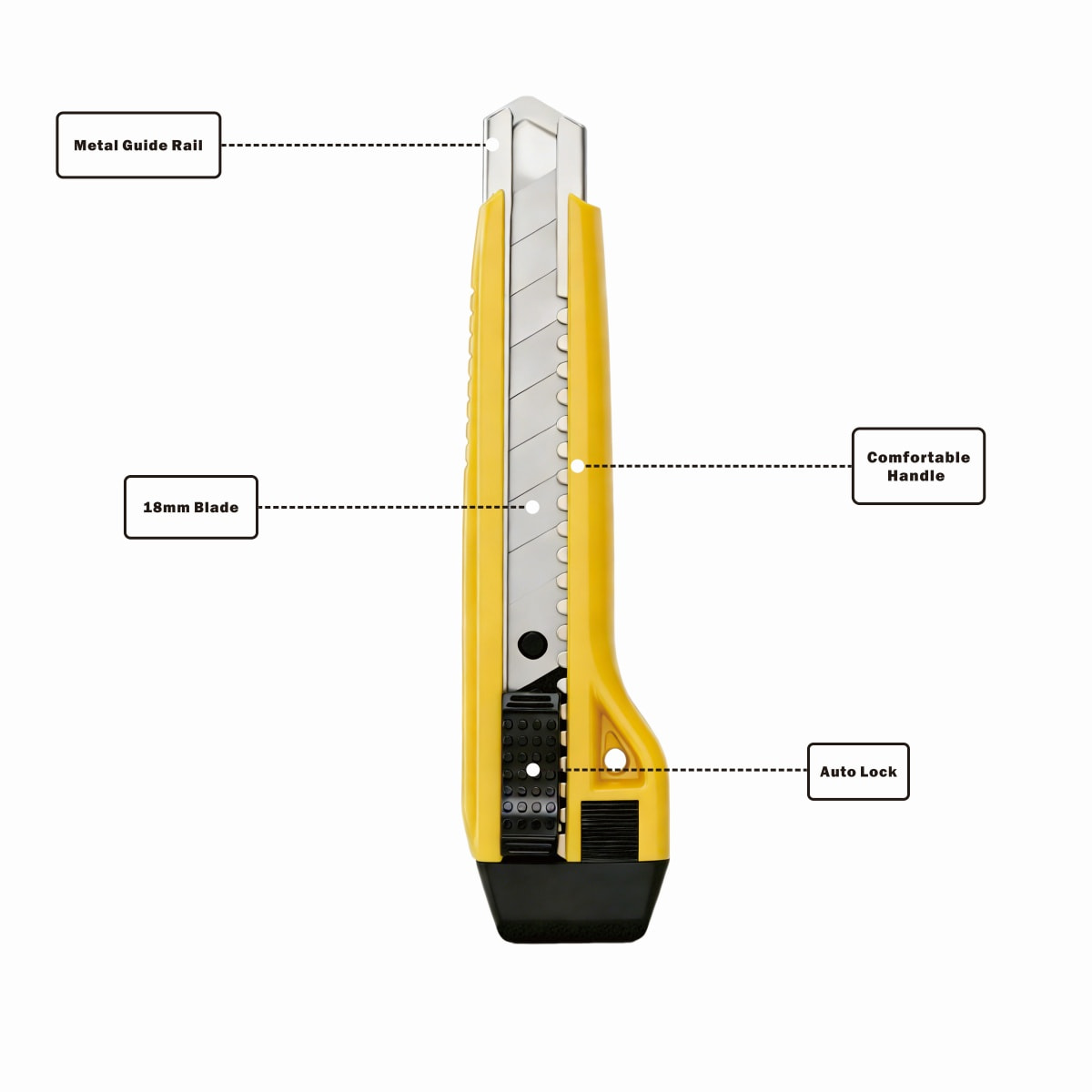
Metal Guide Rail
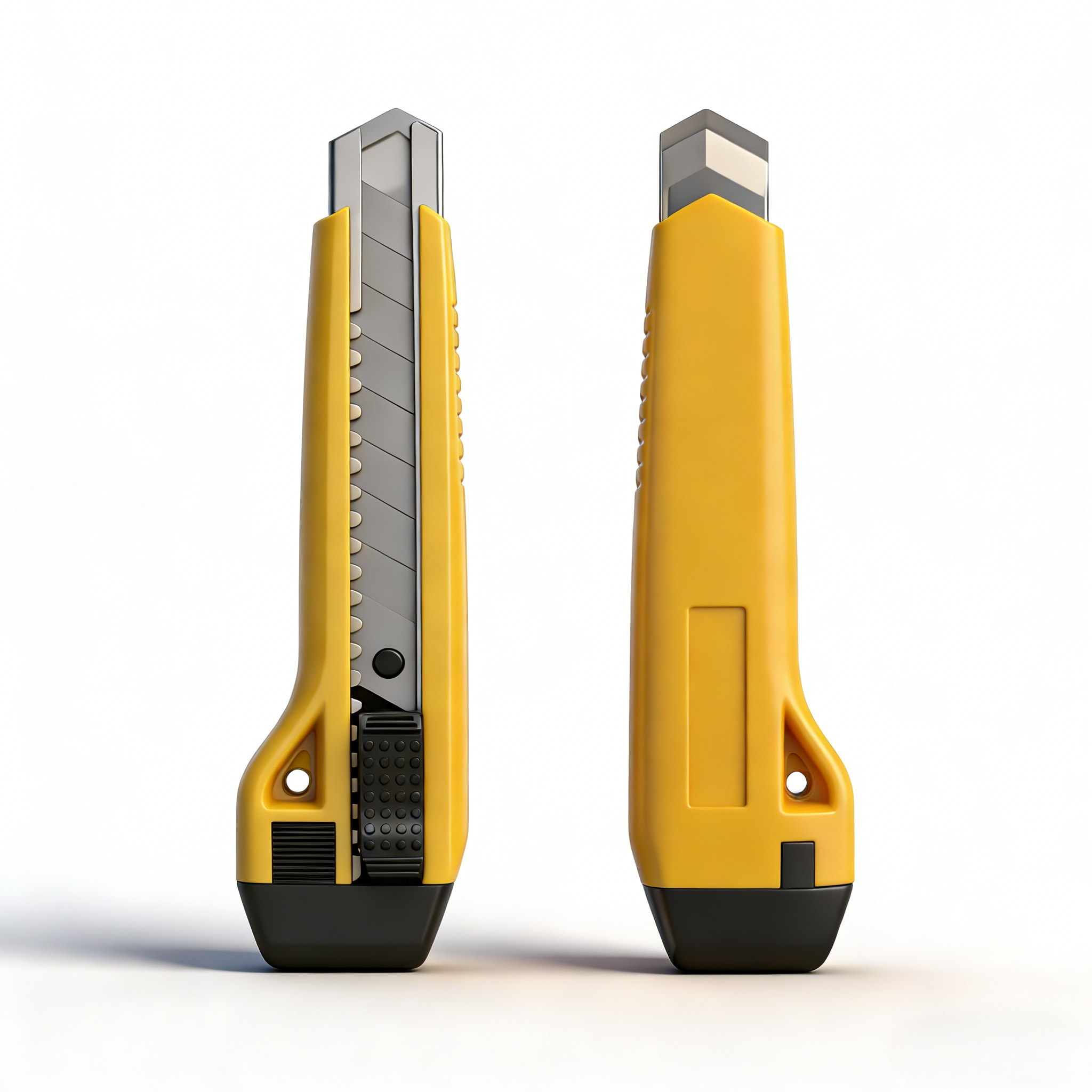
At the head of the knife, a metal rail supports both sides of the blade as it extends. The rail keeps the blade running straight in its channel and reduces the sideways wobble that causes wandering cuts. Because it is metal rather than plastic, it resists wear from the blade edge over repeated extend-and-retract cycles.
18mm Blade
The wide, segmented blade provides the cutting surface. Diagonal break lines let you remove a spent segment cleanly, and the notched edge of the blade works with the slider mechanism to hold position.
Auto Lock
The textured black slider moves the blade forward and lets it lock in the position you choose. During cutting, pressure pushes back against the blade, and a reliable lock prevents it from retracting into the handle mid-stroke. Locking behavior is one of the biggest contributors to confident, safe cutting.
Comfortable Handle
The grip curves into a flared base, giving the palm something to push against and keeping the hand from sliding forward toward the blade. Side texture improves traction, and the black end cap adds a durable base when the knife is set down.
Handle Ergonomics for Long Cutting Sessions
Hand fatigue is the hidden cost of any repetitive cutting job. The CX891 handle is built to spread pressure across the palm rather than concentrating it on the fingertips. The flared lower section creates a natural stop for the heel of the hand, the slim upper section allows an index-finger guide along the spine, and the textured side surface keeps the grip secure when hands are slightly damp or dusty.
A small hanging hole near the base of the handle gives the knife a place on a hook, a pegboard or a lanyard. Tools that have a fixed home are put back after use, and tools that are put back stay in good condition. The hole is also useful for keeping the knife within reach during ladder work or while installing wall coverings.
Grip tip: hold the handle with the thumb on the slider side and the index finger resting along the top edge. This position gives the best directional control and keeps the Auto Lock slider easy to reach without changing grip.
Blade Extension and Cutting Stability
The distance the blade extends from the nose of the Hardware Utility Knife is the single biggest variable you control during a cut. A short extension keeps the blade well supported by the metal guide rail and gives maximum rigidity. A long extension reaches deeper into thick material but allows more flex and puts more leverage on the lock. The charts below show general guidance for choosing a starting point. They are illustrative reference values based on common cutting mechanics, intended to help you set up each job rather than lab-measured results for a specific batch.
Suggested Starting Blade Extension by Material
Stability Versus Reach as the Blade Extends
Cutting stability Reach into thick material
The crossing point of the two lines, around two to three segments, is where most Multifunctional Utility Knives work best: enough blade to complete the cut in one pass, and enough support from the metal guide rail to keep the edge steady. Extending beyond four segments is rarely necessary and puts extra strain on the lock.
Material-by-Material Cutting Guide
The same Hardware Utility Knife behaves differently on different surfaces. Use this guide to match technique to material.
| Material | Recommended technique | Common mistake |
|---|---|---|
| Paper, card stock | Short extension, steel ruler, single smooth pull on a cutting mat | Pressing too hard and tearing the edge |
| Sticker sheets | Light pressure, cut through the backing only where intended, change segments often | Using a dull edge that lifts the sticker corners |
| Packing tape | Slide the tip along the seam at a shallow angle | Plunging deep and scratching the contents |
| Corrugated carton | Two segments, score first, then complete the cut with a second pass | Forcing a single deep cut that drifts off the line |
| Wallpaper | Press a straight edge against the wall and cut with a fresh segment | Reusing a dull segment that drags and tears the paper |
| Vinyl flooring | Score along a straight edge, flex the sheet, then finish the cut | Cutting freehand without a guide |
| Thin foam and soft board | Long smooth stroke with a sharp edge | Sawing back and forth, which leaves a ragged face |
Step-by-Step Cutting Technique
1
Prepare the surface
Place the material on a cutting mat or a scrap board. A stable, non-slip surface protects both the table and the blade edge.
2
Set the blade
Slide the Auto Lock slider forward until the blade shows the number of segments the material needs, then confirm the blade is held firmly in place.
3
Position the guide
Use a steel ruler or straight edge and keep the fingers of the guiding hand well behind the cutting line.
4
Make a light scoring pass
Pull the knife toward you with steady, moderate pressure at a low angle. The first pass sets the path.
5
Complete the cut
Repeat with slightly more pressure until the material separates. Several controlled passes produce a straighter, cleaner edge than one forced stroke.
6
Retract and store
Pull the blade back into the handle before putting the knife down, and return it to its hook or drawer.
Replacing and Snapping Blade Segments
The diagonal lines on the 18mm high carbon steel blade are break points. When the tip no longer cuts cleanly, you can expose a new edge without replacing the whole blade.
Know When to Snap
Signs of a dull edge include tearing paper fibers, dragging through tape, needing noticeably more force, or leaving a rough line on vinyl.
Snap Safely
Extend the blade one segment past the dull section, hold the tip with pliers or a dedicated blade snapper, and bend away from your body. Wear gloves if the blade is exposed.
Dispose Properly
Place spent segments in a rigid container such as a small metal tin or a sealed bottle, never loose in a bin or a drawer.
Snap off one segment at a time. If the blade becomes too short to extend comfortably, it has reached the end of its service life and should be replaced with a new 18mm blade of the same size.
Four Handle Colors for an Organized Workspace
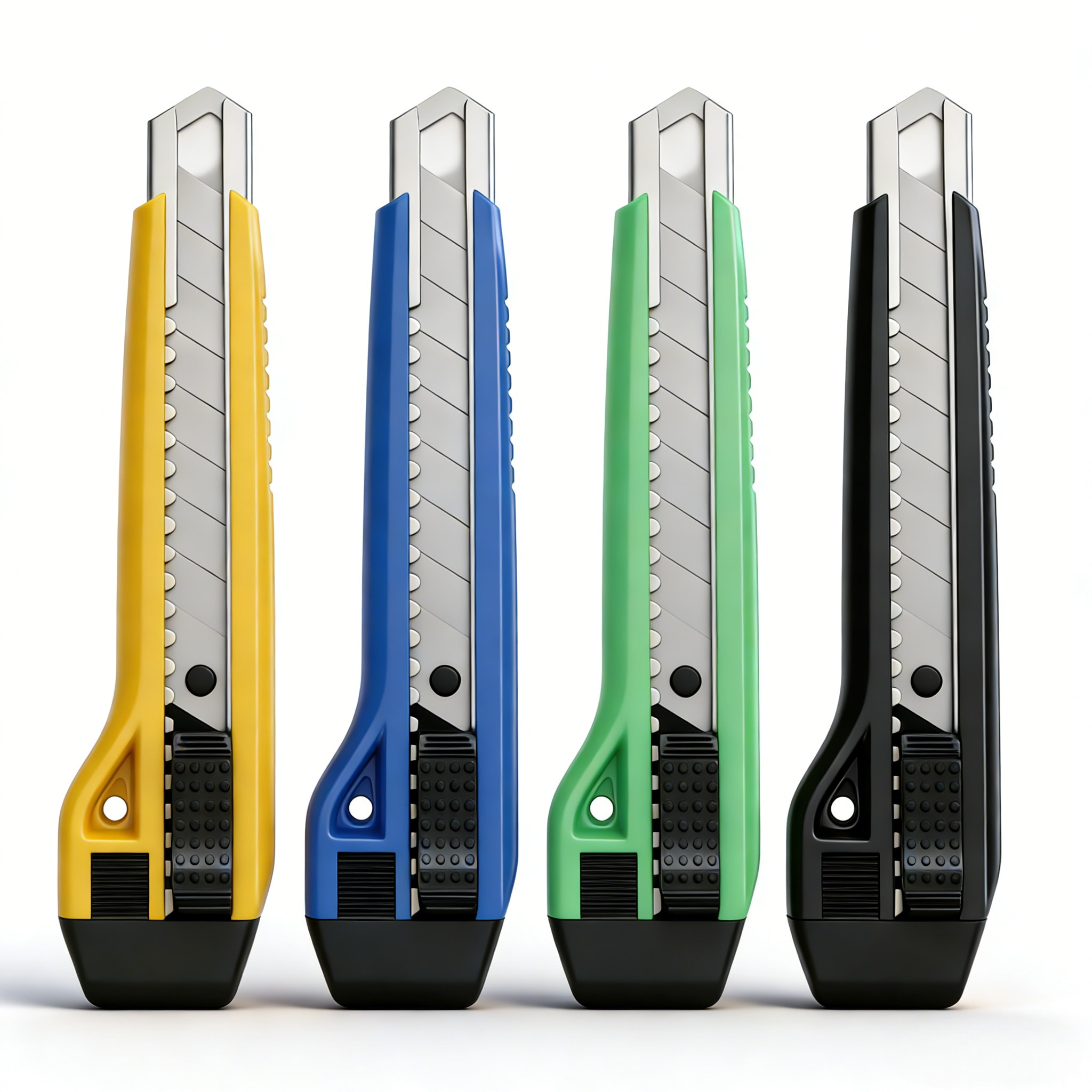
Color is more than appearance. When several Multifunctional Utility Knives share a space, different handle colors help people recognize their own tool at a glance and keep tasks separate.
Yellow
High visibility on benches and in toolboxes. A natural choice for general workshop and installation work.
Blue
Calm and easy to distinguish. Works well for paperwork, packaging tables and office supply cabinets.
Green
A friendly tone that suits craft rooms, classrooms and hobby tables where cutting mats are common.
Black
Understated and professional looking. Hides marks from adhesives and dust better than lighter colors.
Custom Logo Design Area
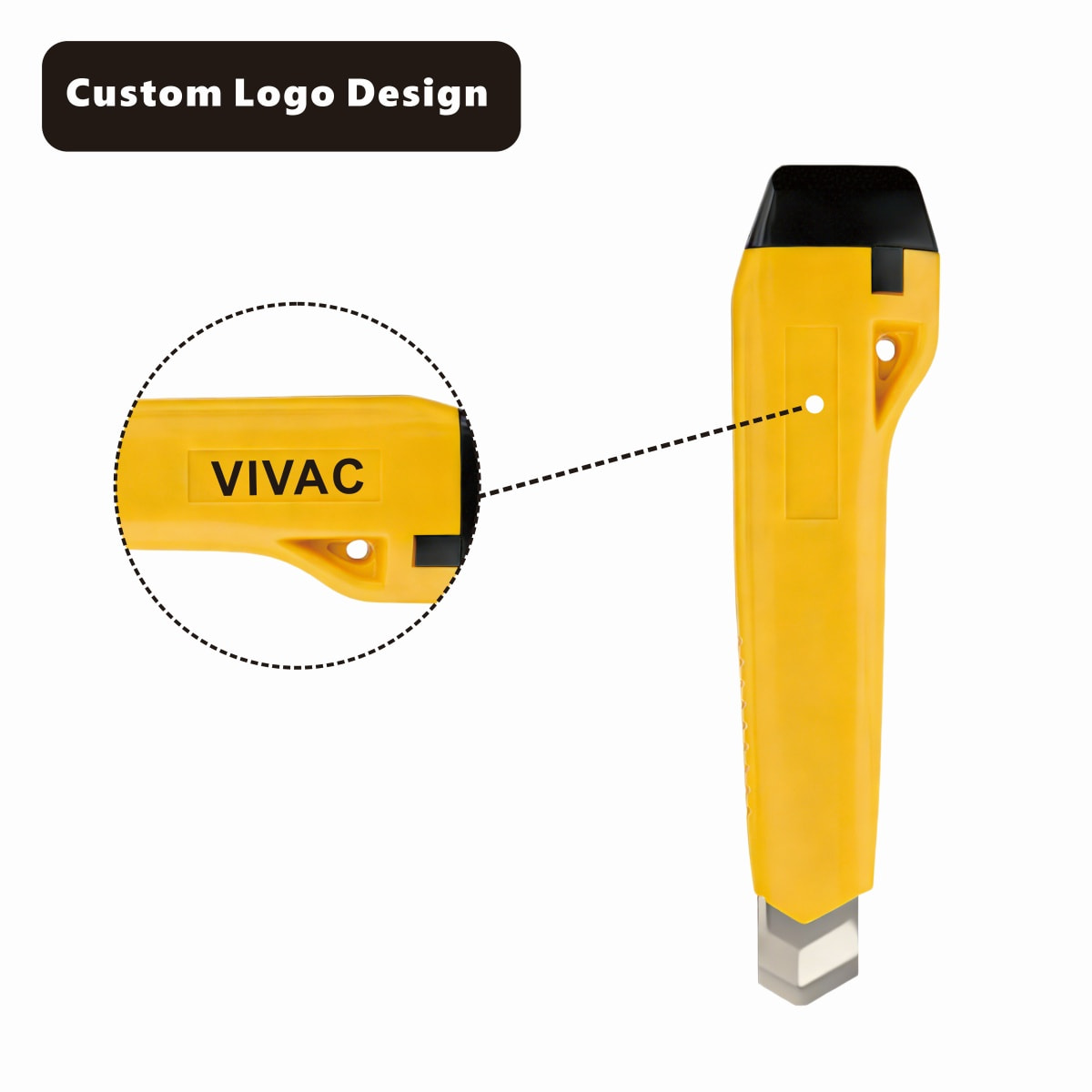
The reverse side of the CX891 handle has a smooth, rectangular panel placed away from the thumb slider and the grip texture. This location matters: a logo placed here stays fully visible during use and does not interfere with the way the hand holds the knife.
A custom logo design on a Hardware Utility Knife can serve several practical purposes:
- Identifying tools that belong to a specific team, classroom or work area
- Marking the knife for company events, gift sets or promotional kits
- Keeping a consistent look across a full set of workshop tools
- Making it easy to spot the right knife among identical models
Short names and simple wordmarks reproduce most clearly on a panel of this size, and high-contrast colors against the handle improve readability.
Hang-Card Blister Packaging
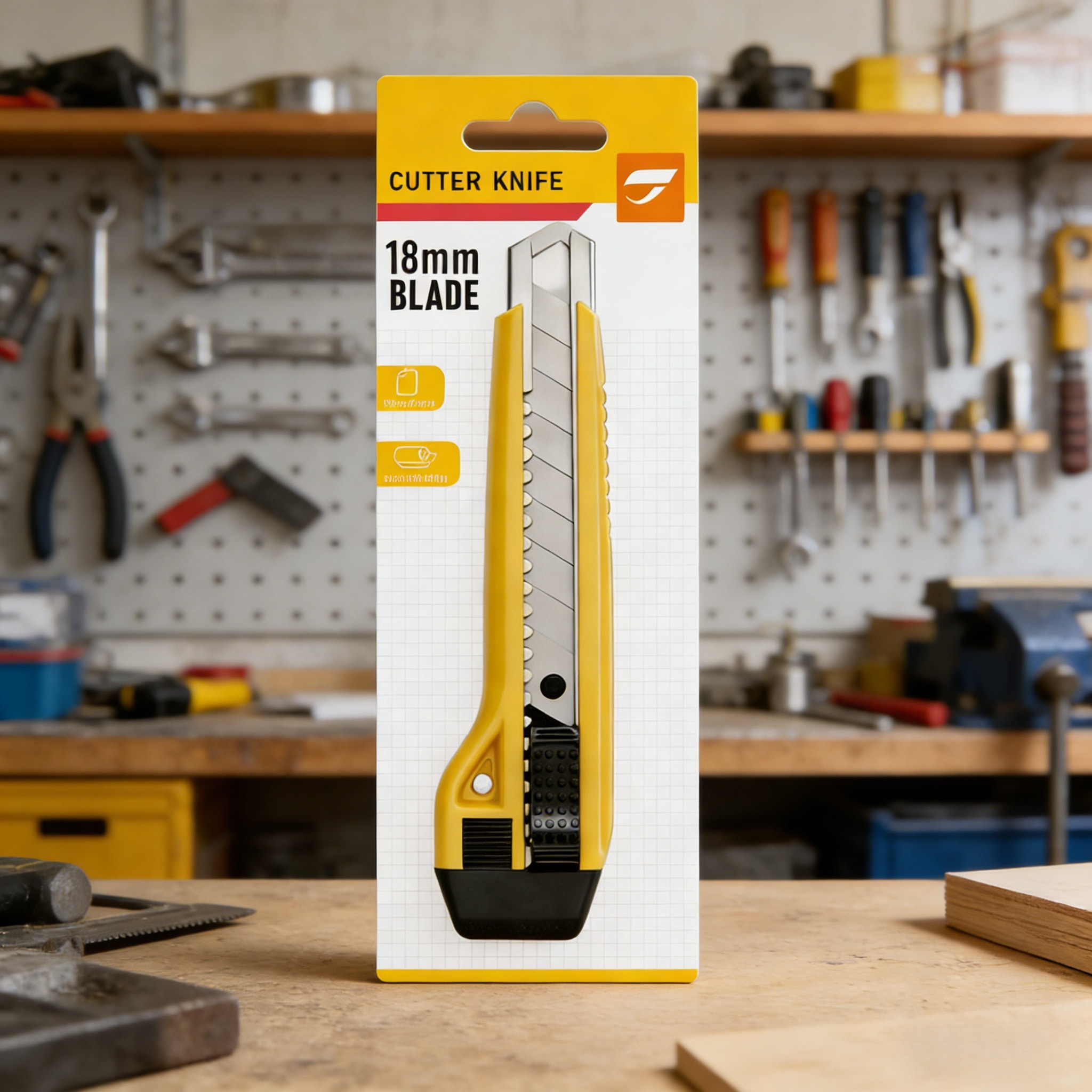
The CX891 is presented on a hang card with a clear blister shell. The card names the product type, prints the 18mm Blade specification in large type, and uses a yellow and white layout that matches the handle color. The blister holds the knife firmly in position so the blade channel and slider stay protected while the product is stored or moved.
Clear Specification
The blade size is readable at a glance, so you can confirm the knife matches your replacement blades before opening the pack.
Protected Contents
The molded shell supports the full length of the knife and keeps the blade retracted and covered.
Hang-Ready Format
The punched slot at the top fits standard pegboard hooks and display rods, keeping the knife visible and easy to pick up.
Comparing Types of Hardware Utility Knife
Understanding the main knife categories helps clarify where the CX891 fits.
| Knife type | Blade style | Strengths | Considerations |
|---|---|---|---|
| Fixed blade | Non-retractable, replaced as a whole | Very rigid, simple construction | Needs a sheath, no fresh edge by snapping |
| Snap-off Multifunctional Utility Knives (CX891 style) | Segmented blade with break lines | Quick fresh edge, retractable, one tool for many jobs | Needs correct extension and safe disposal of segments |
| Replaceable-blade folding knife | Trapezoid blade in a folding body | Compact for pockets | Blade changes take longer and extension is fixed |
| Precision craft knife | Narrow pen-style blade | Excellent for detail and curves | Limited depth and rigidity for thick material |
Troubleshooting Common Cutting Problems
| Problem | Likely cause | What to do |
|---|---|---|
| Cut line wanders off the ruler | Too much blade extended or too much force in one pass | Shorten the blade and make two or three lighter passes |
| Paper edge looks torn | Dull segment | Snap off the used segment and expose a fresh edge |
| Blade drags through tape | Adhesive on the steel | Wipe the blade with a dry cloth and cut at a shallower angle |
| Blade moves back under pressure | Slider not fully engaged or debris in the track | Retract, clear dust from the channel, then re-extend until the lock holds |
| Hand feels tired after long use | Grip too tight or blade too dull | Relax the grip, use the flared base against the palm and refresh the edge more often |
| Rust spots on the blade | Stored damp | Dry thoroughly, store retracted in a dry place, and replace if pitting appears |
Daily Care and Storage
After Every Job
Wipe the visible blade, retract it fully and make sure the slider is locked. This takes a few seconds and prevents most blade damage and accidental contact.
Keep the Channel Clean
Paper dust, cardboard fibers and adhesive residue collect in the blade channel. Tap out loose debris and wipe the guide rail so the blade slides freely.
Store With a Fixed Home
Use the hanging hole to keep the knife on a hook or pegboard, or keep it in a dedicated drawer slot, away from other loose tools that could chip the edge.
Keep Away From Children
Store the knife out of reach and never leave the blade extended when the knife is not being used.
Choosing the Right Multifunctional Utility Knives: A Checklist
- Blade width: 18mm gives a balance of rigidity and control for cartons, wallpaper, flooring and craft sheets.
- Blade material: high carbon steel holds a keen edge and responds well to segment snapping.
- Guide system: a metal guide rail keeps the blade aligned and reduces wobble.
- Lock reliability: an Auto Lock should hold the blade firmly when pressure is applied.
- Handle shape: a flared base and textured sides help control and reduce fatigue.
- Handling extras: a hanging hole makes storage and access easier.
- Color and marking: choose a color for easy identification, and look for a flat panel when a custom logo design is wanted.
- Packaging: a hang-card blister pack that states the blade size clearly makes it easy to match replacement blades.
Frequently Asked Questions About the CX891 Hardware Utility Knife
What blade size does the CX891 use?
The CX891 uses an 18mm wide snap-off blade made of high carbon steel. The 18mm size is marked on the hang-card packaging and listed on the structure diagram.
What are the dimensions of the knife?
The overall knife measures 16.1cm in length and 3.9cm in width, which makes it large enough for a full-hand grip yet easy to carry in a tool bag or drawer.
What does the Auto Lock do?
The Auto Lock holds the blade at the extension you set, so the blade does not slide back into the handle while you cut. Retract the blade whenever you finish.
Why does the knife have a metal guide rail?
The metal guide rail supports the blade at the head, helps keep it straight and resists wear from repeated blade movement.
Which materials can these Multifunctional Utility Knives cut?
Typical uses include paper, card stock, sticker sheets, packing tape, corrugated carton, wallpaper, vinyl flooring, thin foam and soft board. Choose a short extension for thin materials and a longer one for thicker material.
How do I refresh a dull blade?
Extend the blade, snap off the dull segment along the diagonal break line using pliers or a blade snapper, and dispose of the spent piece in a rigid container.
Can a logo be added to the handle?
Yes. The CX891 handle has a flat rectangular panel on the side designed for custom logo design, positioned where it will not interfere with grip or the slider.
What colors are available?
The CX891 is offered in yellow, blue, green and black, each with the same black end cap and slider.
Can the knife be hung for storage?
Yes. A hanging hole in the lower part of the handle allows storage on a hook or pegboard, and the hang-card packaging uses the same hang-ready idea for display.
Recommended Product
Recommended News

Keep In Touch
 No. 2-2, Oufu Road, Zhangting Town, Yuyao City, Ningbo City, Zhejiang, China.
 +86-574-87560886/87560055
 +86-574-87560885
Copyright © Ningbo Chuangxin Cutting-Tool Manufacture Co., Ltd.
